Native on both platforms
Built for macOS and Windows, with GPU acceleration for recording and export.
Record for clarity
Record product demos and tutorials with automatic zoom, cursor focus and local editing on Windows and Mac.
macOS 13+ (Apple silicon) · Windows 10/11 (x64)

Native on macOS and Windows
GPU-accelerated recording and export
Export a video ready to share
From the first click to the final export, Click to Reel makes screen recordings feel like a considered product film.
Built for macOS and Windows, with GPU acceleration for recording and export.
The camera follows important actions and settles in the right place—no keyframes required.
Split, remove, adjust speed, and add a background before you export.
Record and export 480P, 720P, and 1080P videos for free. No credit card and no complicated setup.
Stay light while recording, focused while editing, and consistent when exporting.
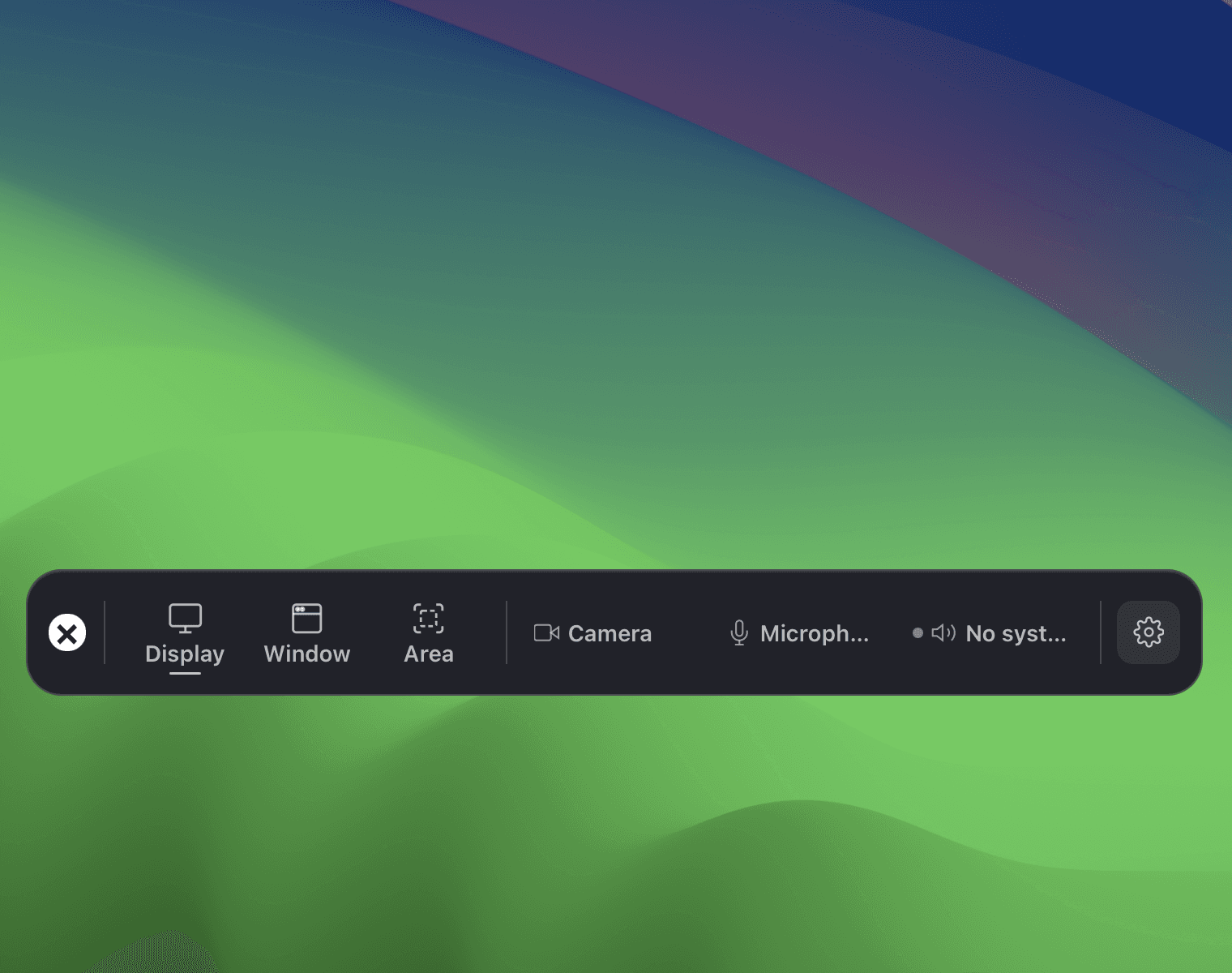
Choose the recording source and manage audio before you start.
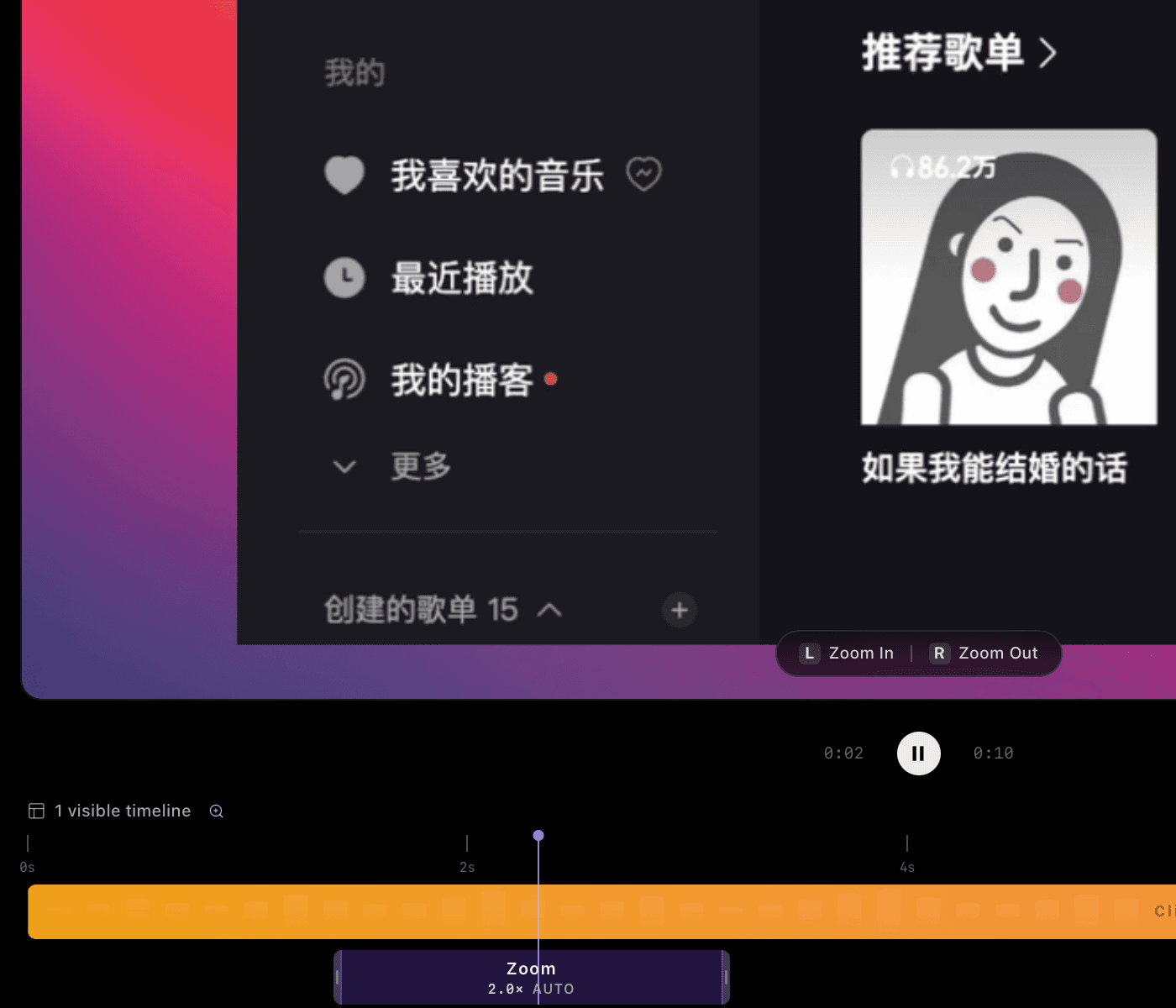
Frame important interactions and review camera movement.
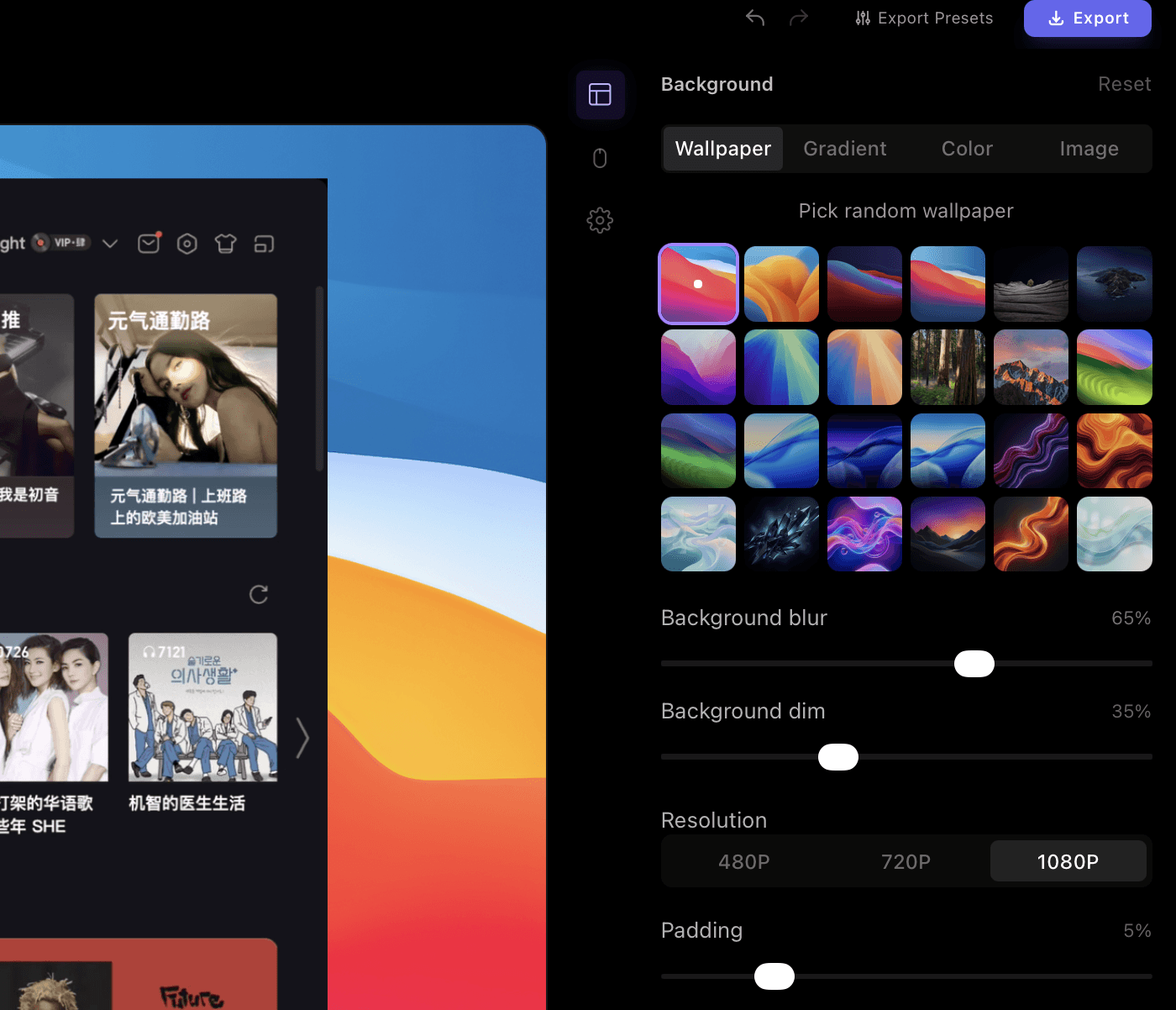
Trim clips, adjust their speed and choose a background.
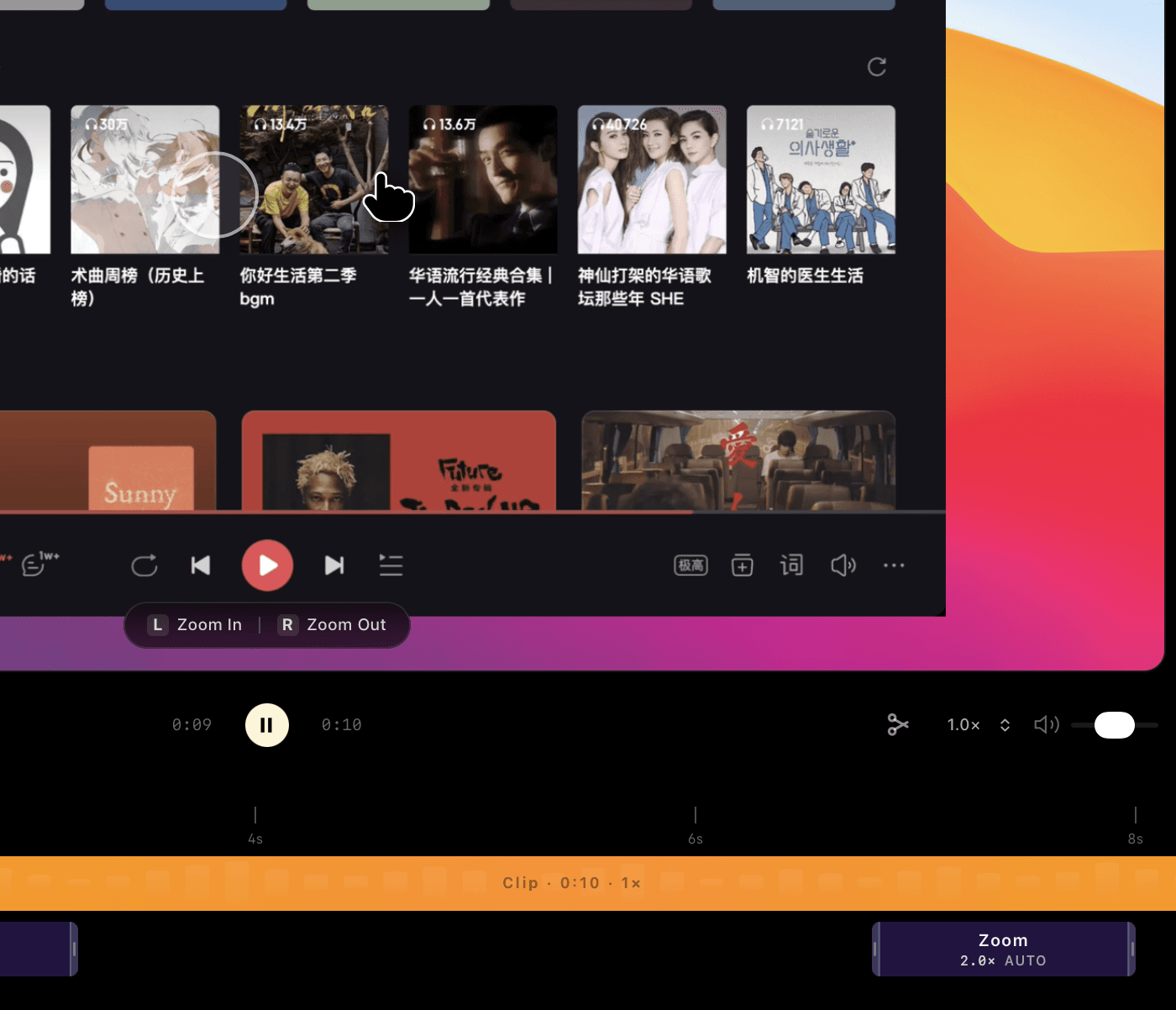
Up to 1080P is free. 4K: US$2.99/month, US$19.99/year or US$39.90 lifetime.
Make product demos on Windows with automatic zoom, cursor focus and local editing. Try Click to Reel free up to 1080P; choose 4K at US$2.99/month, US$19.99/year or US$39.90 lifetime.
Explore →Record demos with automatic zoom and smooth cursor focus on Windows and Mac. Learn how to frame interactions, review camera movement and export with Click to Reel.
Explore →Create a clear SaaS product demo with local recording, automatic focus and timeline editing. Follow a practical demo workflow in Click to Reel for Windows and Mac.
Explore →Straight answers about recording, editing, and exporting.
Click to Reel brings recording, automatic focus, light editing, and export into one workflow for product demos and tutorials—not just saved screen footage.
Up to 1080P is free. 4K: US$2.99/month, US$19.99/year or US$39.90 lifetime. Subscriptions renew automatically until cancelled; lifetime access is paid once. Access is linked to your Google account.
The standard recording and editing workflow runs locally on your device. See the Privacy Policy in the site footer for details.
Yes. Split the timeline, remove unwanted segments, and adjust the playback speed of individual clips.