Choose your recorder
A Screen Studio alternative for Windows
Click to Reel gives Windows creators a recording-to-editing workflow with automatic zoom and cursor focus. Record a real interaction, cut the pauses and export a product walkthrough. It also runs on Apple silicon Macs, so your team can use the same product on both platforms.
macOS 13+ (Apple silicon) · Windows 10/11 (x64)
Click to Reel · v0.1.41 · Updated
Start with the workflow you need
Screen Studio describes its product as a macOS screen recorder with automatic zoom. If you need to make a polished demo on Windows, Click to Reel is an option to evaluate. This page is written by the Click to Reel team; it is not an independent review or a claim of feature parity.
Record and edit on Windows
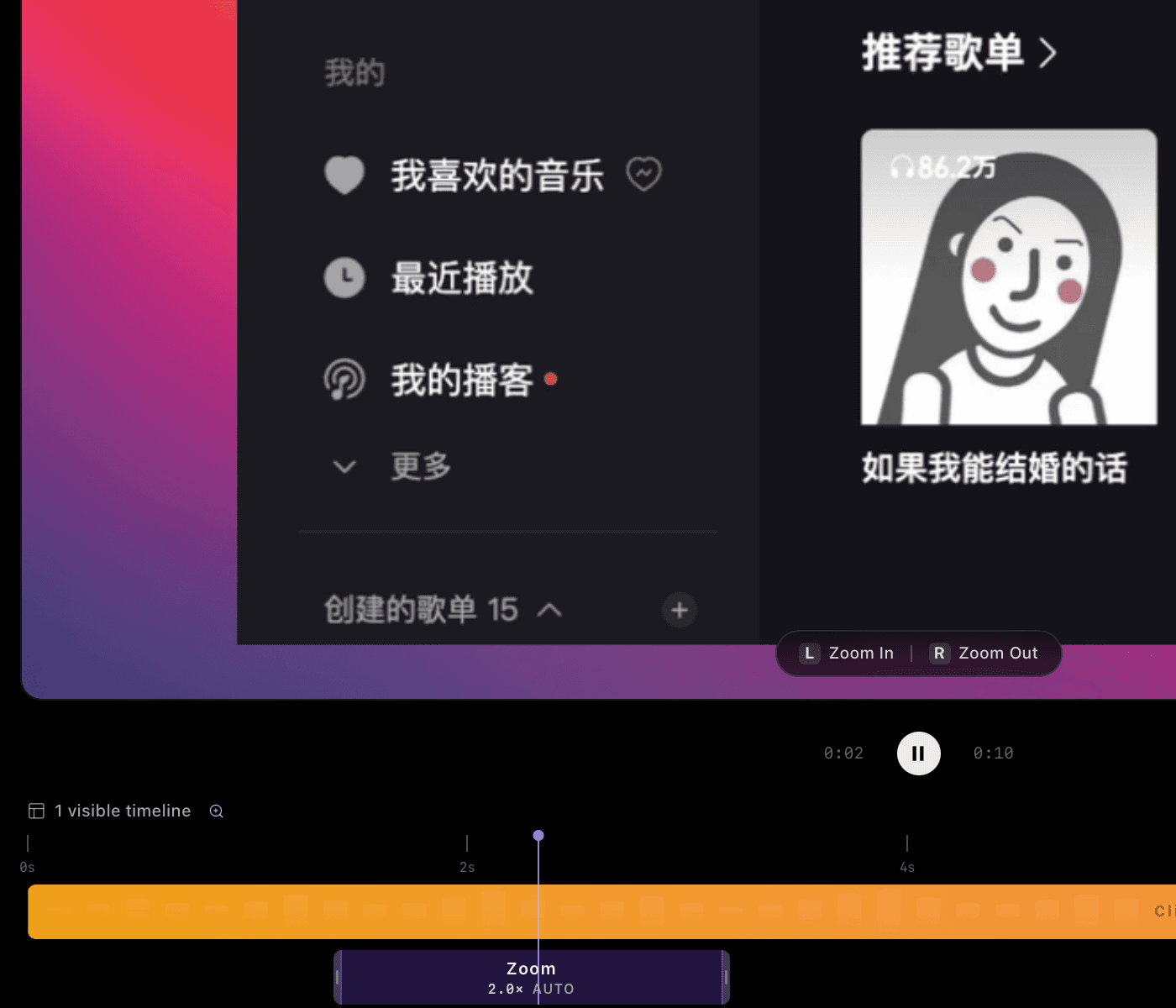
Choose a single window to keep unrelated applications out of the recording. Automatic camera movement helps the viewer follow important interactions. After recording, split the timeline, remove a loading pause and adjust clip speed. Review the entire export before sharing.
- Install the Windows x64 version and select a display, window or area.
- Record one complete task, leaving a short pause before each important click.
- Review automatic focus, trim the timeline and set a background.
- Export at 1080P for free; choose the paid 4K upgrade when you need that resolution.
Check these differences before switching
Click to Reel focuses on local recording, editing and file export. Do not assume a Screen Studio project can be imported, or that another product’s sharing and device-capture features are available here. Test your own audio sources and a short export before recording a long walkthrough. Screen Studio users who need its specific Mac workflow should evaluate that workflow directly.
Competitor information: Screen Studio official website, checked on 2026-09-08. Availability can change. No affiliation or endorsement is implied.
Finish your first video for free
- Free: export up to 1080P
- Recording, automatic focus, timeline editing, and 480P, 720P or 1080P export. No account is required for this free workflow.
- 4K: US$2.99/month, US$19.99/year or US$39.90 lifetime
- Sign in with Google to buy and restore access on another device. 4K export requires an internet connection to verify access. A 4K export does not add missing detail to low-resolution footage.
Questions before you record
Is this Screen Studio for Windows?
No. Click to Reel is a separate product and is not affiliated with Screen Studio. It offers its own Windows and Mac recording workflow.
Can I try it without paying?
Yes. Recording, editing and exports up to 1080P are free. 4K is US$2.99/month, US$19.99/year or US$39.90 lifetime, linked to your Google account. Subscriptions renew automatically until cancelled.
Are recordings uploaded to a cloud editor?
The standard recording and editing workflow runs locally. Google login and Stripe payments are online services; paid 4K access also requires an internet connection to verify your account.